๐ŸŽฌ
CapMagic Studio
Caption Templates

Caption Styles and Templates for Short-Form Video

Start from a proven look instead of a blank canvas. Here are the five caption styles built into CapMagic Studio, the exact settings behind each one, and a link that opens the Studio with that style selected.

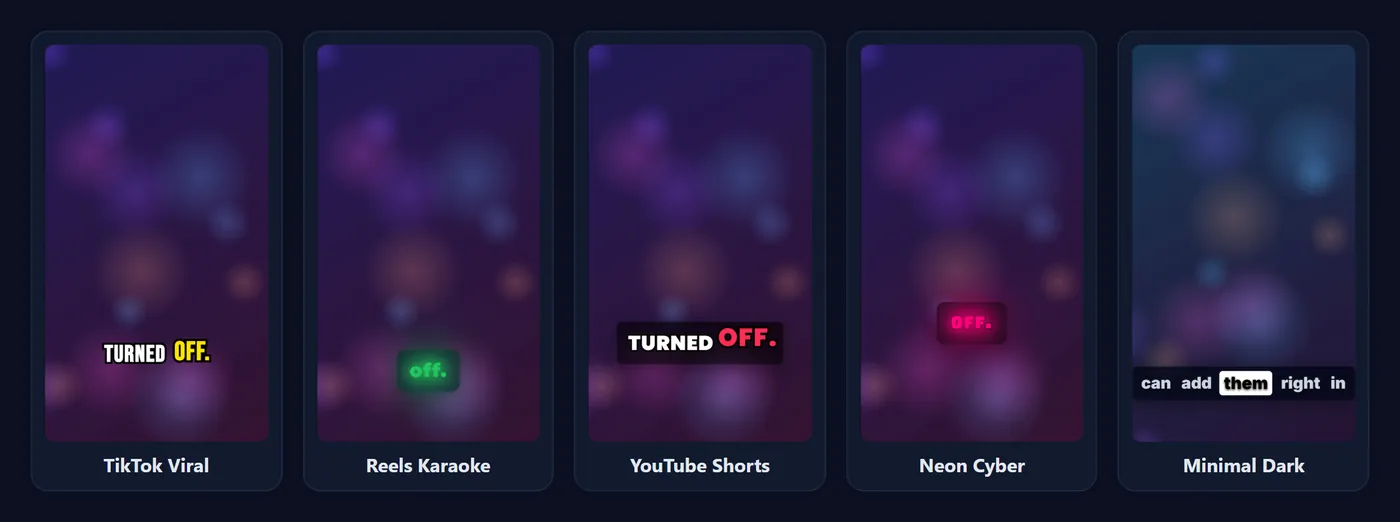
The same caption shown in five styles: TikTok Viral, Reels Karaoke, YouTube Shorts, Neon Cyber and Minimal Dark
All five styles on the same frame of our demo clip.

The five styles

Every style below can be changed after you pick it: colours, font, size, animation, outline, background and position are all editable.

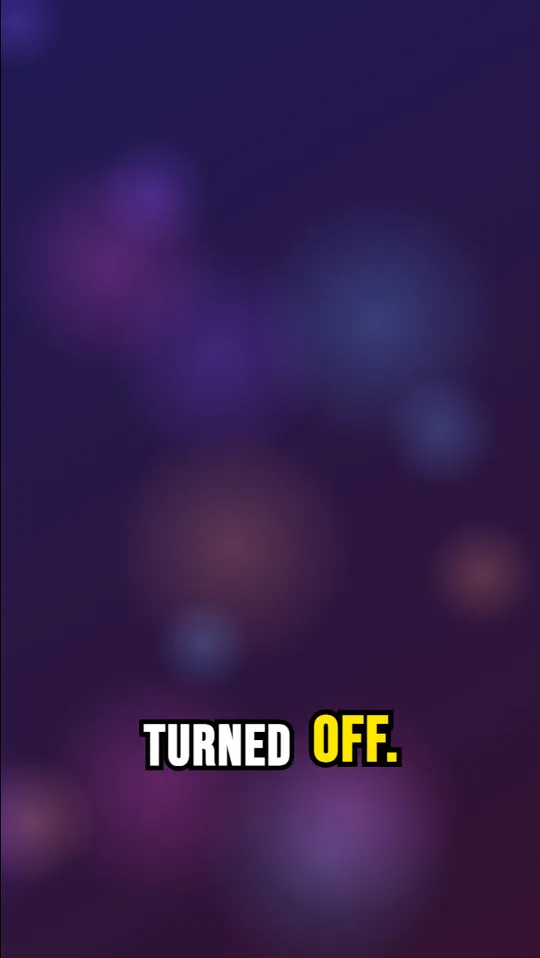
Vertical video with TikTok Viral captions

TikTok Viral

Best for: Talking-head TikToks, hooks and fast-paced edits.

  • Font: Impact / Bebas, 42 px, UPPERCASE
  • Animation: Scale Pop
  • Text: #ffffff
  • Highlight: #ffe600
  • Outline: 8 px
  • Background pill: none
  • Words on screen: 3 words
  • Position: 78% down the frame
Use this style โ†’
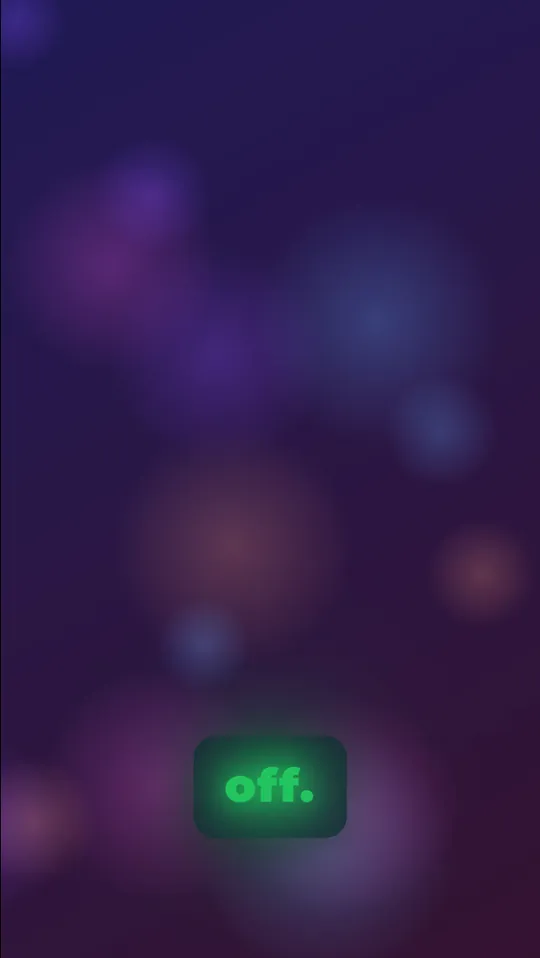
Vertical video with Reels Karaoke captions

Reels Karaoke

Best for: Instagram Reels, lifestyle and music-led content.

  • Font: Montserrat, 34 px
  • Animation: Glow Pulse
  • Text: #e2e8f0
  • Highlight: #22c55e
  • Outline: none
  • Background pill: 85% opacity
  • Words on screen: 4 words
  • Position: 82% down the frame
Use this style โ†’
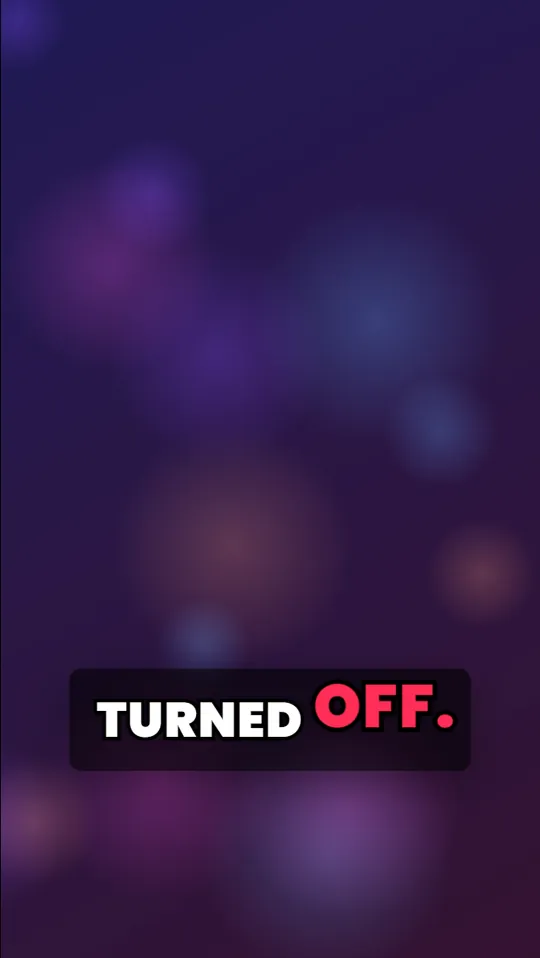
Vertical video with YouTube Shorts captions

YouTube Shorts

Best for: YouTube Shorts, tutorials and upbeat explainers.

  • Font: Poppins, 36 px, UPPERCASE
  • Animation: Bounce
  • Text: #ffffff
  • Highlight: #ff2d55
  • Outline: 6 px
  • Background pill: 60% opacity
  • Words on screen: 3 words
  • Position: 75% down the frame
Use this style โ†’
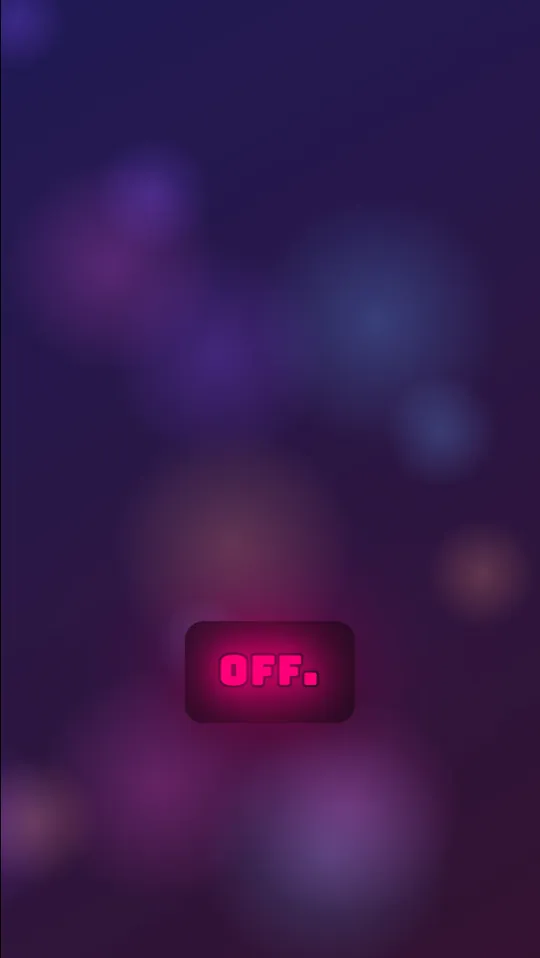
Vertical video with Neon Cyber captions

Neon Cyber

Best for: Gaming, tech and night-time or neon footage.

  • Font: Bungee, 30 px, UPPERCASE
  • Animation: Glow Pulse
  • Text: #00f0ff
  • Highlight: #ff007a
  • Outline: 4 px
  • Background pill: 90% opacity
  • Words on screen: 2 words
  • Position: 70% down the frame
Use this style โ†’
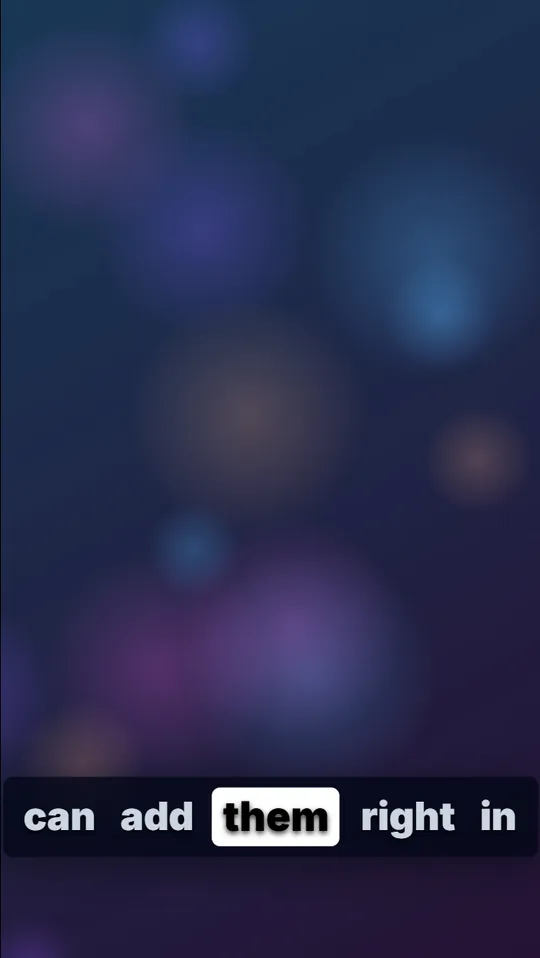
Vertical video with Minimal Dark captions

Minimal Dark

Best for: Interviews, podcasts, courses and professional videos.

  • Font: Inter, 30 px
  • Animation: Highlight Box
  • Text: #cbd5e1
  • Highlight: #ffffff
  • Outline: none
  • Background pill: 80% opacity
  • Words on screen: 5 words
  • Position: 85% down the frame
Use this style โ†’

Mix and match: combinations that work

  • Anton + Scale Pop + 2 words: maximum energy for hooks and reactions.
  • Inter + Highlight Box + full sentence: calm and very readable for interviews and podcasts.
  • Poppins + Underline + 4 words: tidy tutorials, and Poppins also covers Hindi text.
  • Luckiest Guy + Bounce + 1 word: playful comedy and kids-friendly content.
  • Montserrat + Glow Pulse + dark pill: a softer karaoke look for music and lifestyle Reels.

See every font side by side in Best fonts for captions and every effect in Caption animation styles explained.

Customise any style

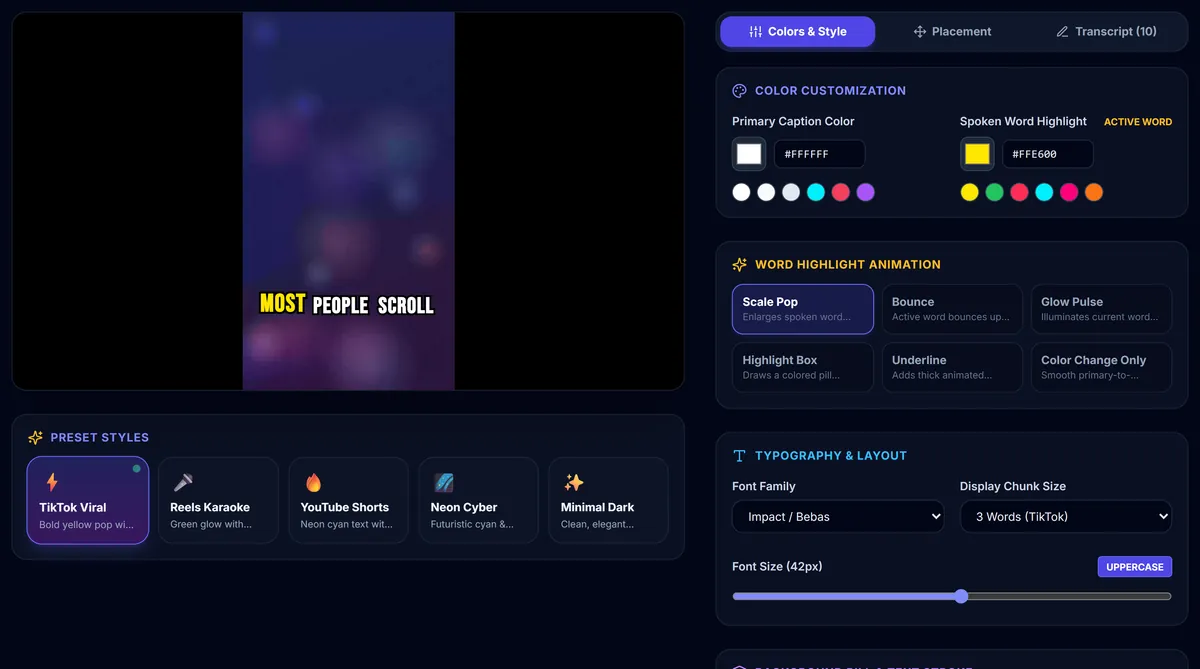
After choosing a style, the Colors & Style tab lets you change the text and highlight colours, the word animation, the font, the number of words on screen, the size, UPPERCASE, the outline and the background pill. The Placement tab moves the captions up, down, left or right. Before posting to TikTok or Reels, move them to around 65% to 72% of the height so the app's buttons and text don't cover them (caption safe zones).

CapMagic Studio with the video preview, the five preset cards and the colour and animation controls
Presets on the left, fine-tuning controls on the right.

Frequently asked questions

Are these caption templates free?

Yes. All five styles are free to use and export, with no watermark.

Can I save my own style?

Not yet. Your changes stay while the Studio tab is open, so write down your settings (font, size, colours, animation, position) to reuse them.

Which style is best for TikTok?

TikTok Viral is the classic look: bold condensed capitals, a black outline and a yellow pop on the spoken word, three words at a time.

Do the styles work with SRT files?

Yes. Import an SRT or VTT file and any style applies to it, including the word highlight.
Related guides and tools

More tools: TikTok Captions ยท Burn Subtitles ยท SRT Generator