Burn Subtitles into Video Online, Free and Without Uploading
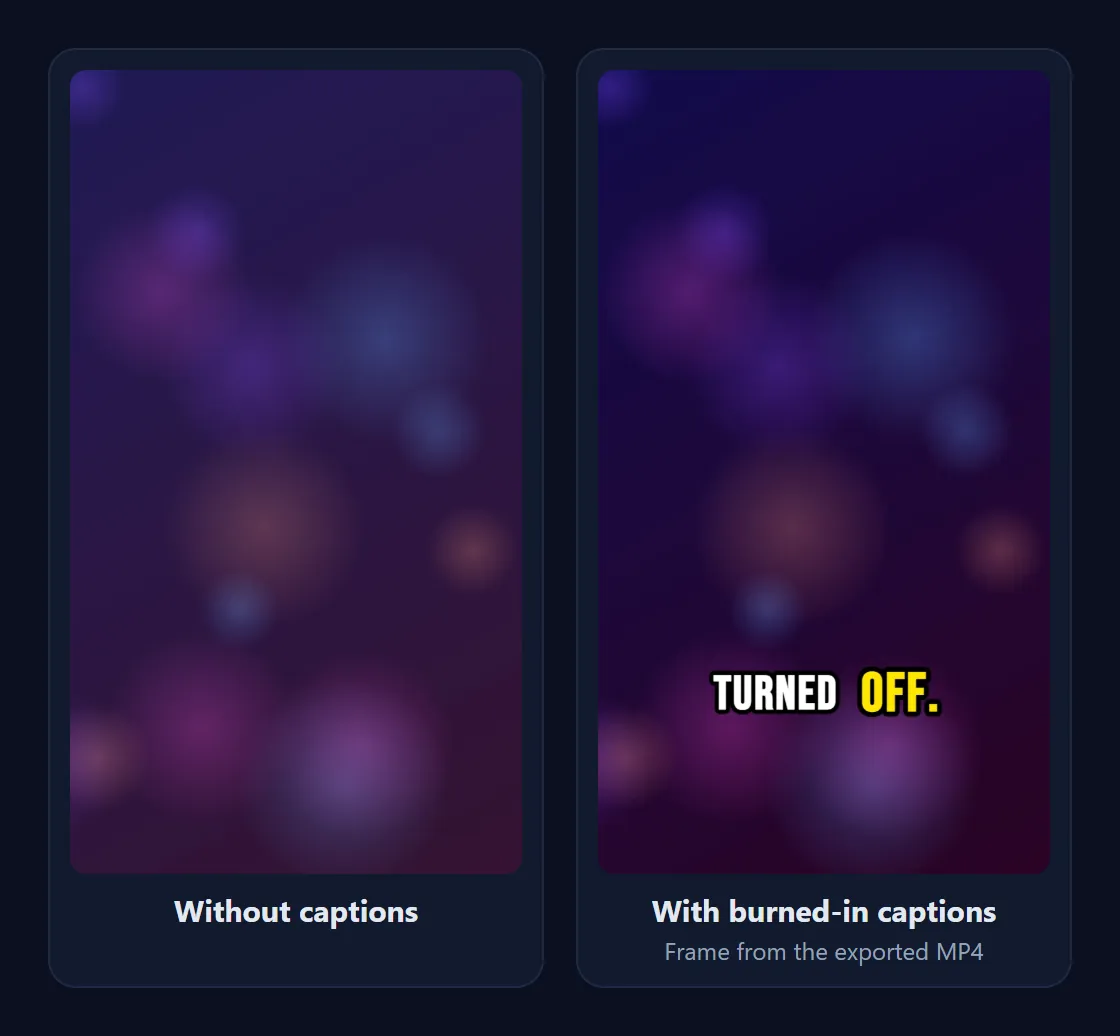
Import an SRT or VTT file, or let the AI caption English speech, style the text, and export a video with the subtitles permanently on the picture. Everything runs in your browser, so the video never leaves your device.
How it works
- Open your video in CapMagic Studio (MP4, MOV, MKV or WebM, up to 250 MB and 10 minutes).
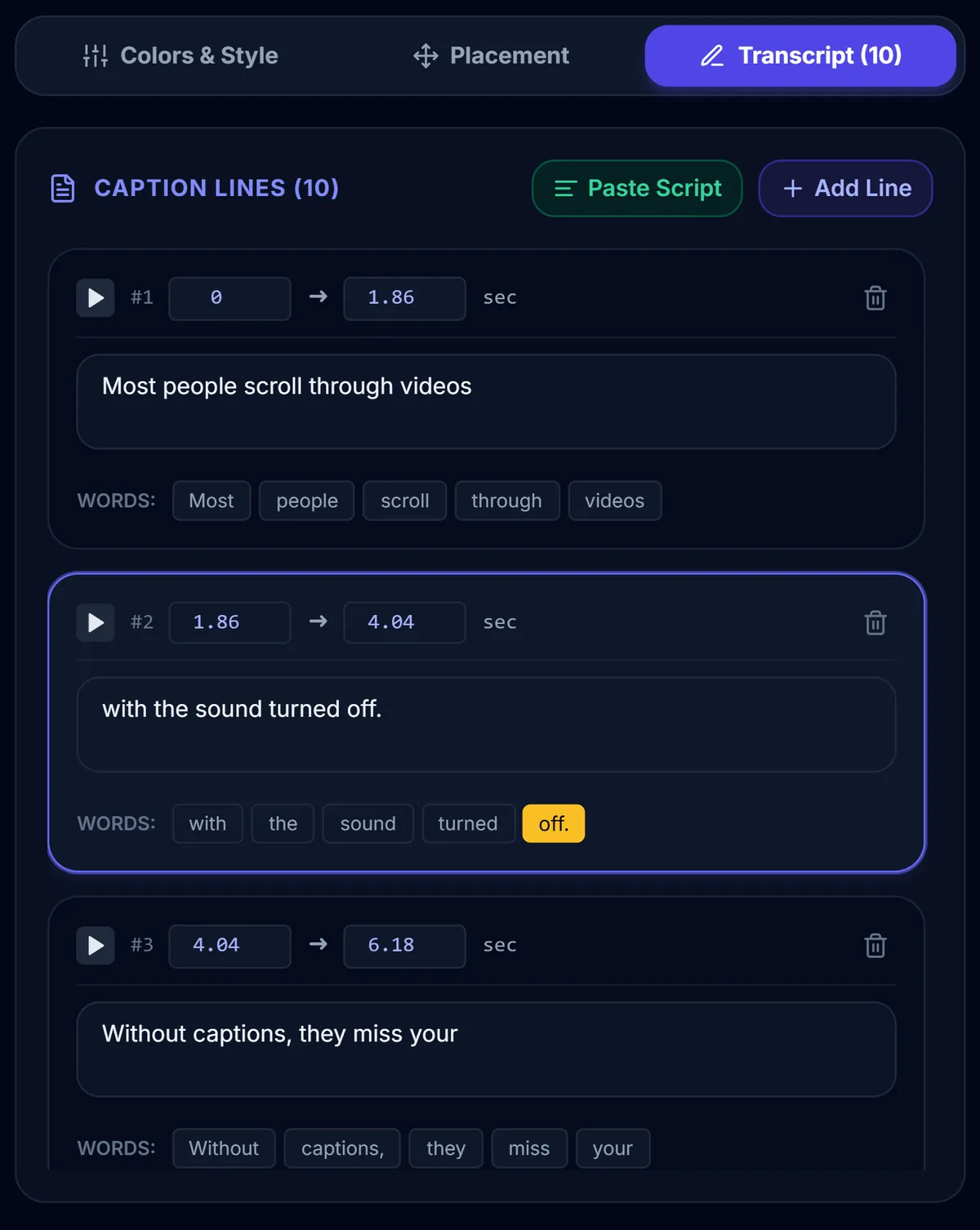
- Add the subtitles: click Import SRT to load an SRT or VTT file, or keep the automatic English captions. Fix any word or timing in the Transcript tab.
- Style them with a preset, then adjust the font, colours, outline, pill background and position.
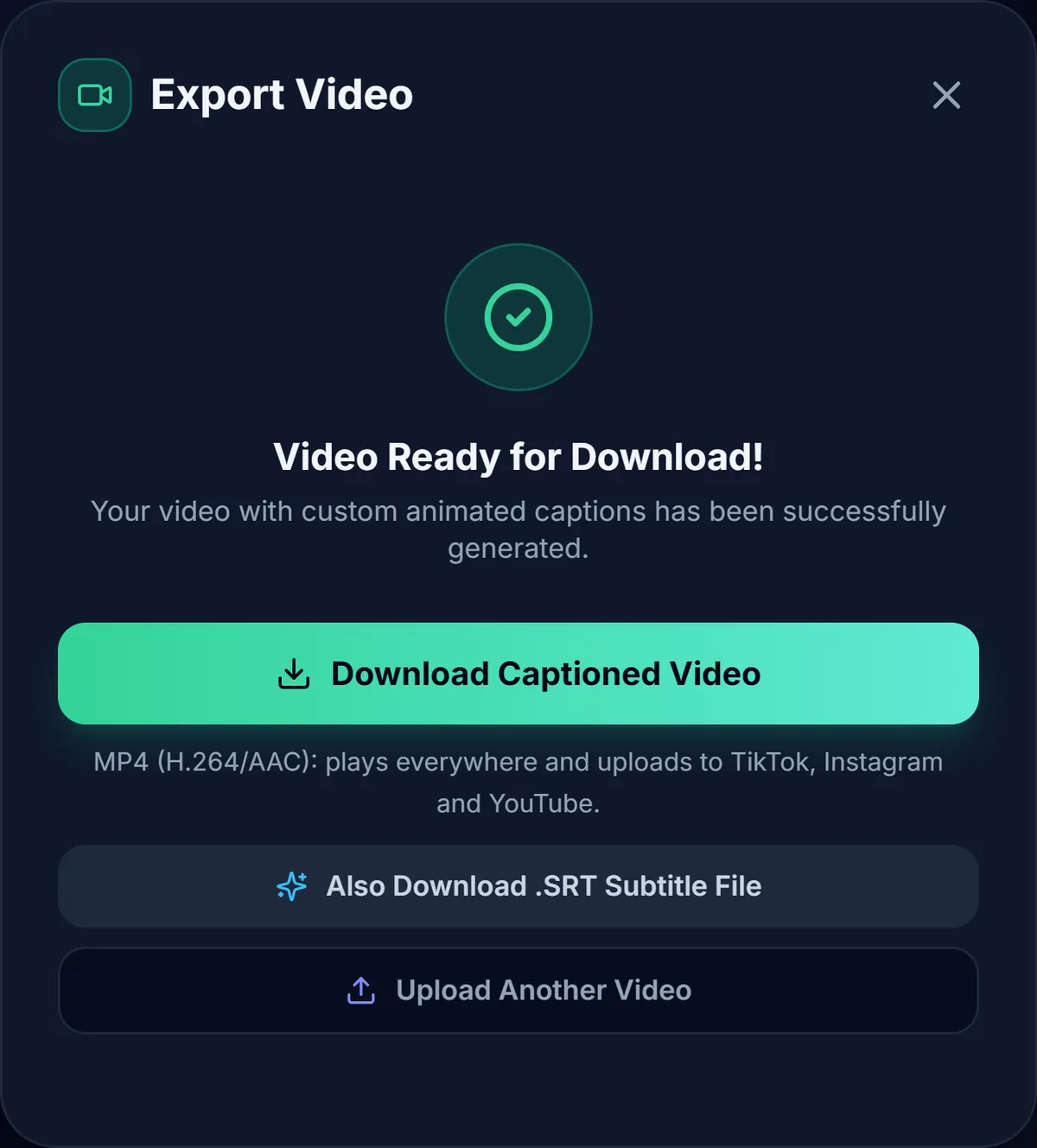
- Export: click Export Video and download the MP4 with the subtitles burned in.
Why burn subtitles in your browser
- Private: the video is never uploaded. That matters for client work, unreleased clips and internal training videos.
- Free, no watermark: no account, no subscription and nothing stamped on your video.
- Looks the same everywhere: burned-in subtitles appear on TikTok, Instagram, WhatsApp and every player, even where you can't attach a subtitle file.
- Styled, not plain: use word-by-word highlighting, outlines or a background pill instead of plain white text.
What you get
- In Chrome and Edge: an MP4 with H.264 video and AAC audio at your video's original resolution, accepted by TikTok, Instagram, YouTube and LinkedIn.
- In Firefox and Safari: a WebM file. Use Chrome or Edge when a platform requires MP4.
- An updated SRT file with your edits, if you also want closed captions on YouTube.
Step-by-step instructions and fixes for common problems are in How to burn SRT subtitles into an MP4.
Frequently asked questions
Is it really free?
Yes. There is no sign-up, no subscription and no watermark.
Is my video uploaded?
No. The video, the subtitle file and the export all stay in your browser.
Which subtitle files can I import?
SRT and VTT files, saved as UTF-8 text. Other formats (such as ASS) need converting to SRT first.
Can I burn subtitles in other languages?
Yes. Imported subtitles can be in any language; automatic captions are English only. For Hindi text, choose the Poppins font.
Can I remove burned-in subtitles later?
No. Burned-in subtitles are part of the picture. Keep your original video if you might need a version without them.
Related guides and tools
- How to burn SRT subtitles into an MP4
- SRT vs VTT: which subtitle format should you use?
- Open vs closed captions
- Best fonts for short-form video captions
More tools: SRT Generator · Caption Styles · TikTok Captions