Free TikTok Captions Generator with Animated Word Highlighting
Create viral, word-by-word animated captions for TikTok, YouTube Shorts, and Instagram Reels directly in your browser. No video uploads, no sign-ups, and no watermarks.
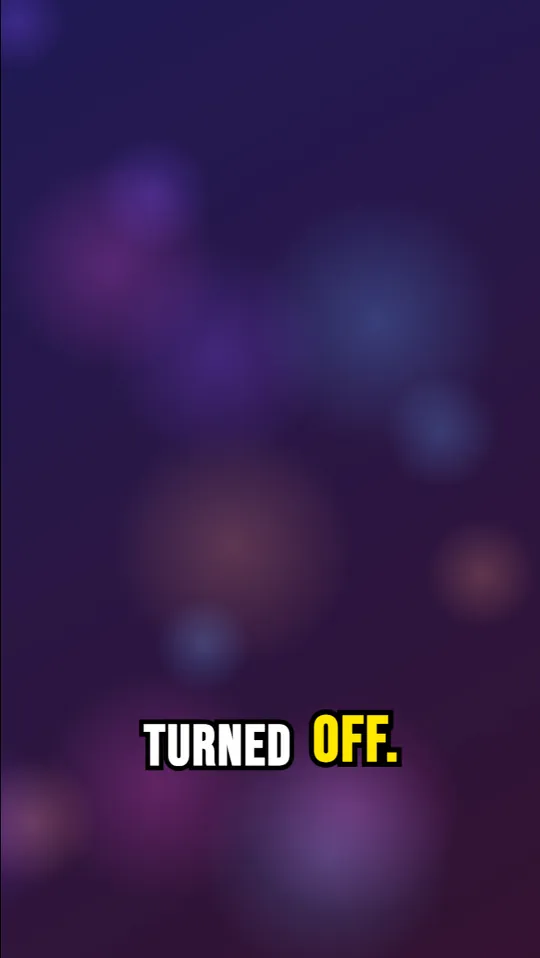
Why Dynamic Captions Drive Viral TikTok Retention
More than 80% of short-form mobile video viewers watch content on mute or in loud environments where audio is difficult to understand. On platforms like TikTok and Reels, capturing attention within the first 1.5 seconds is the difference between an instant swipe-away and a viral loop.
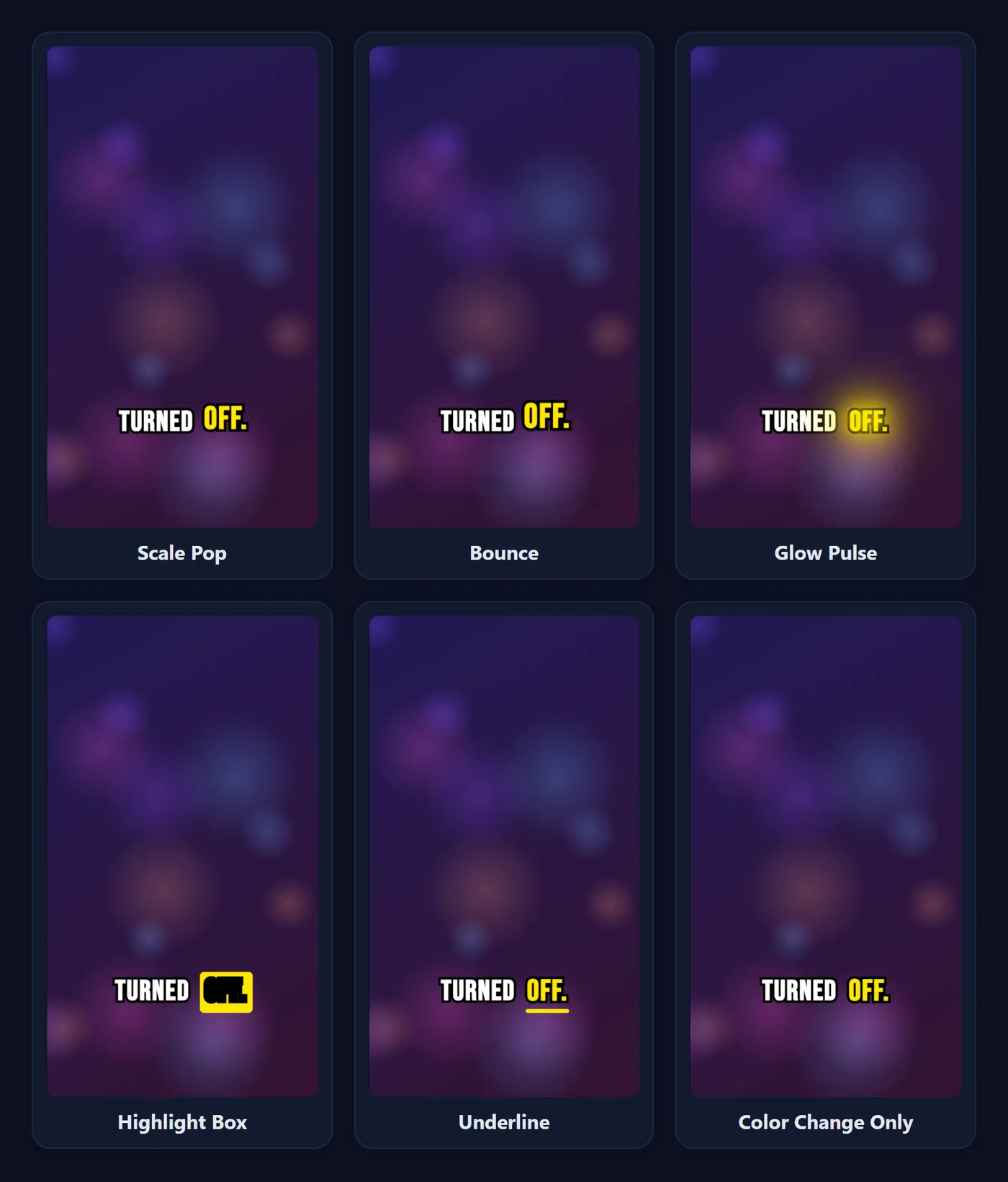
Dynamic, word-level animated subtitles (the style popularized by MrBeast, Alex Hormozi, and top TikTok influencers) guide the viewer's eye frame by frame. Spoken words glow, bounce, and scale up right as they are pronounced, dramatically boosting viewer comprehension and audience retention rates.
100% In-Browser Privacy — Keep Unreleased Clips Safe
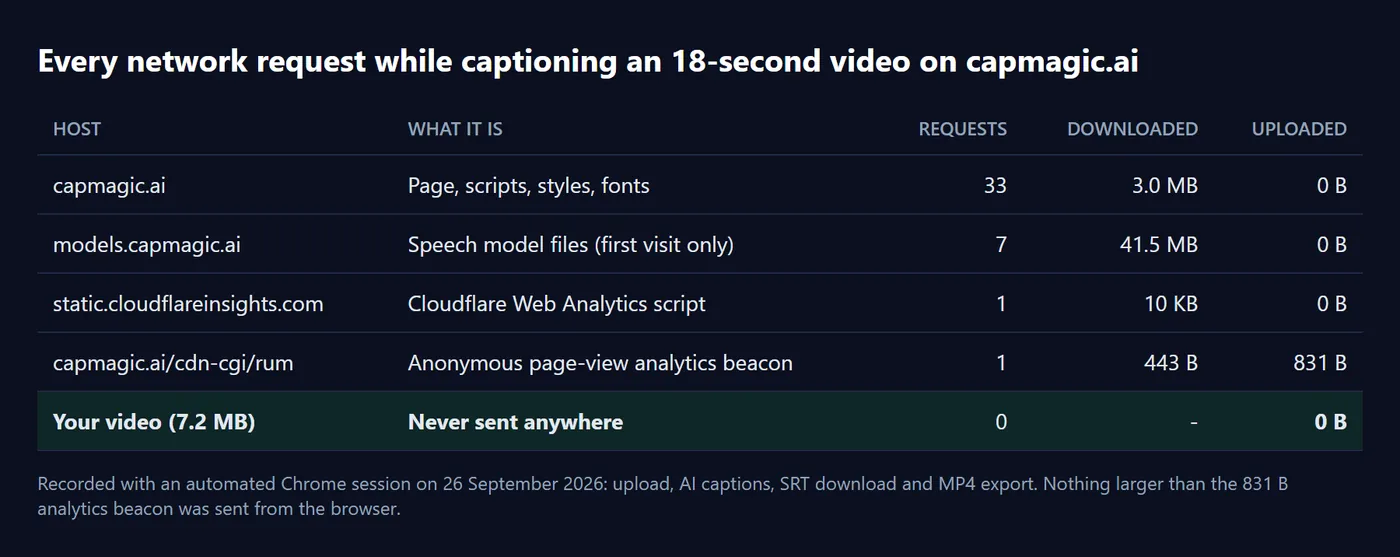
Traditional video editing web apps require uploading your high-definition footage to third-party cloud servers. This exposes unreleased content, brand campaign drafts, and private recordings to remote data leaks and unexpected subscription paywalls.
CapMagic Studio takes a revolutionary approach: zero video uploads. Using WebAssembly (WASM) and ONNX Runtime Web, your browser runs OpenAI's Whisper speech recognition engine entirely on your local machine. Your video remains in local device memory, and your subtitles are rendered directly in an HTML5 canvas.
Preset Styles Optimized for Vertical 9:16 Video
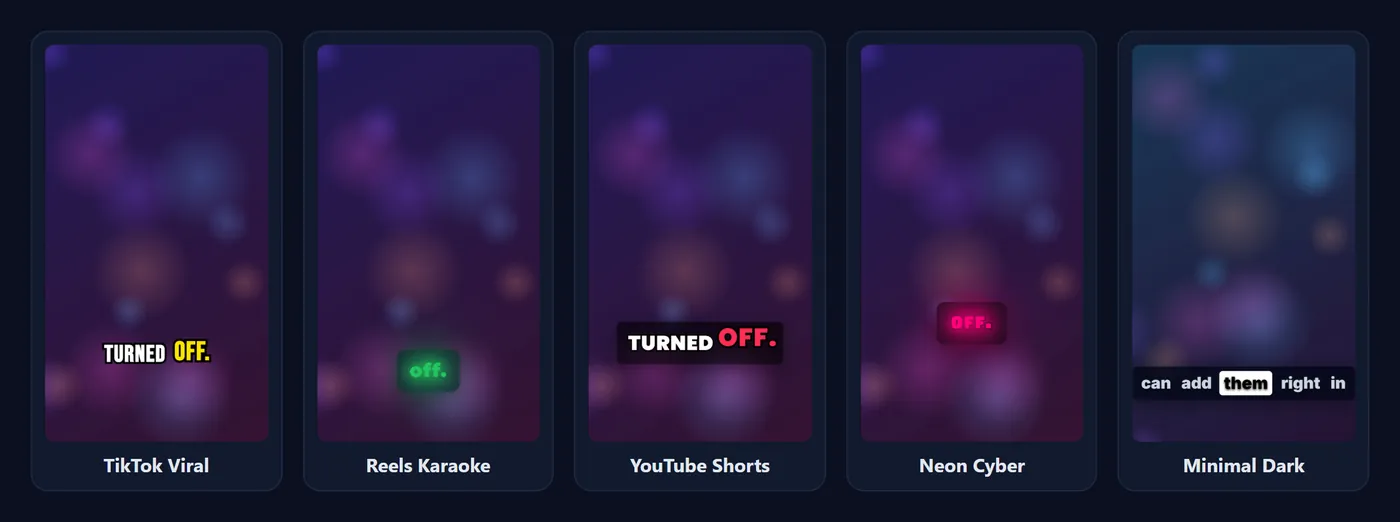
Customize your TikTok subtitles in seconds with purpose-built presets:
- TikTok Viral: Classic yellow active-word glow on ultra-bold black outlines.
- Neon Glow: Cyan and magenta glow accents that stand out against vibrant short video backgrounds.
- Bold Impact: High-contrast punchy typography positioned above TikTok UI buttons.
- Clean Subtitles: Minimalist semi-transparent pill backdrop for educational and storytelling clips.
How to Generate TikTok Captions in 3 Steps
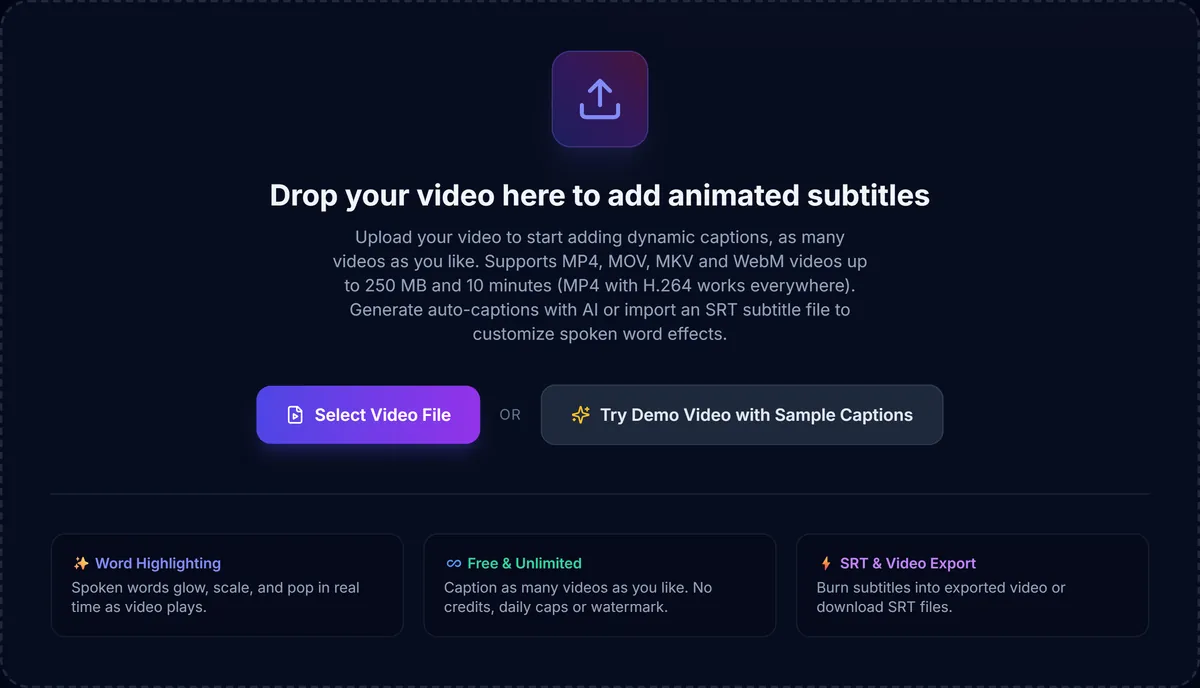

- Drop your vertical video: Select any MP4, MOV, MKV or WebM file up to 250 MB.
- Auto-transcribe with AI: Whisper automatically generates word-level timestamps on your device.
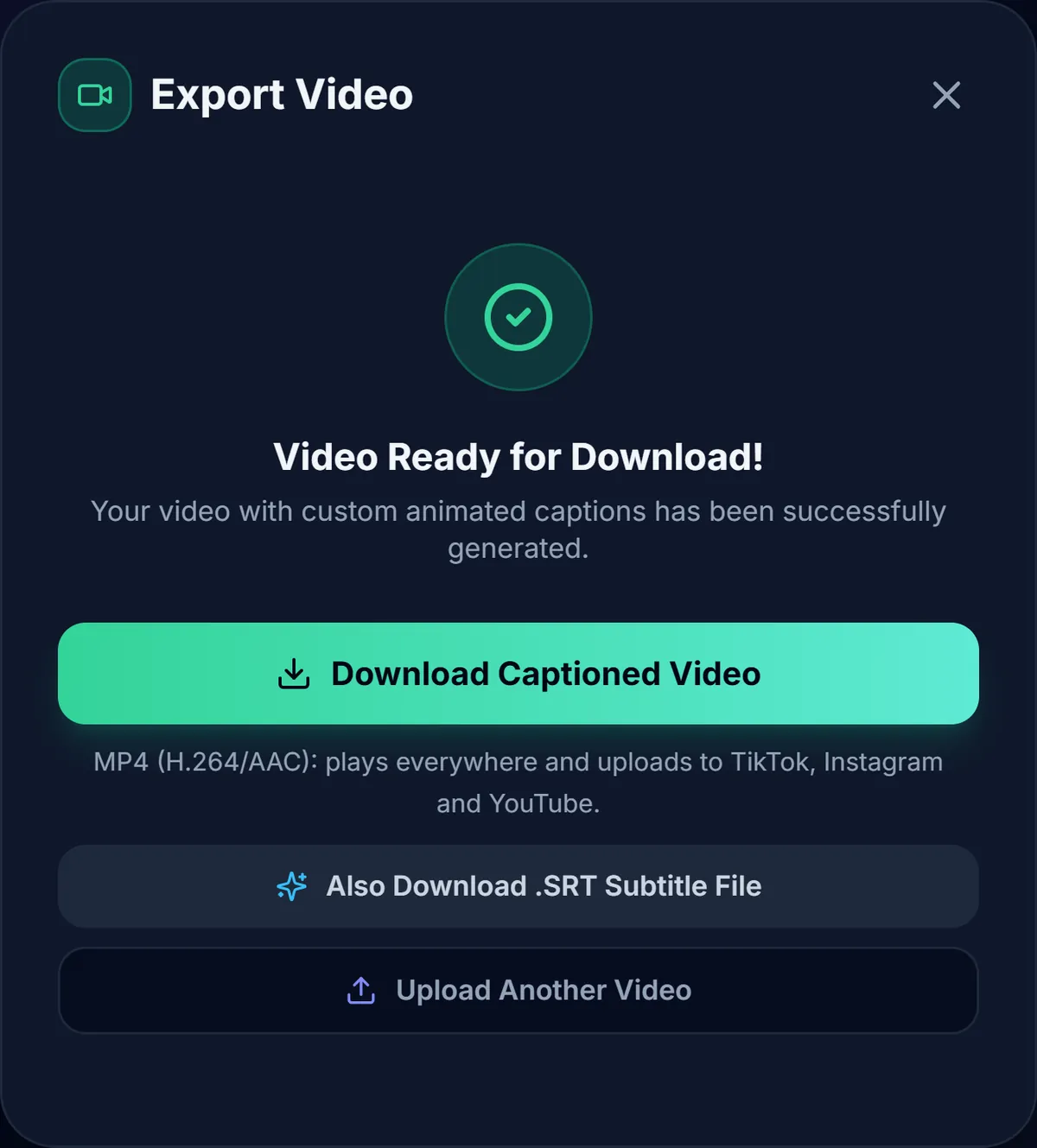
- Burn in & Export: Pick your favorite preset, adjust caption position to avoid TikTok icons, and download the finished MP4 video with burned-in subtitles.
Frequently asked questions
Is it really free, with no watermark?
Yes. CapMagic Studio is free to use, needs no account, and never adds a watermark to your exported video.
Is my video uploaded to a server?
No. Your video is processed entirely inside your browser, so unreleased clips stay on your device.
What does the exported video look like?
In Chrome and Edge you get an MP4 (H.264 video, AAC audio) with the captions burned in, ready to upload to TikTok, Instagram or YouTube. Other browsers export WebM.
Can I change the caption style?
Yes. Start from a preset such as TikTok Viral or Reels Karaoke, then change the font, colours, size, word-highlight effect and position on screen.
Does it work with Hindi or other languages?
Automatic captions currently work for English speech. You can paste a script in any language and style it the same way.
Related guides and tools
- How to add subtitles to TikTok videos
- Caption styling best practices for short videos
- How to add captions to Instagram Reels
- How to add captions to YouTube Shorts
Also try the SRT Subtitle Generator to export a timed SRT file for YouTube, Premiere Pro, DaVinci Resolve or Final Cut Pro.